Smart Editor 0.3.0 Tools 4.6 Community
Submitted by user evgenii; MIT; 2026-06-26
Smart Editor adds IDE-style quality-of-life features to Godot's built-in script editor.
Features:
- Smart expand and shrink selection for GDScript expressions, statements, blocks, function bodies, comments, multiline calls, arrays, dictionaries, and function signatures.
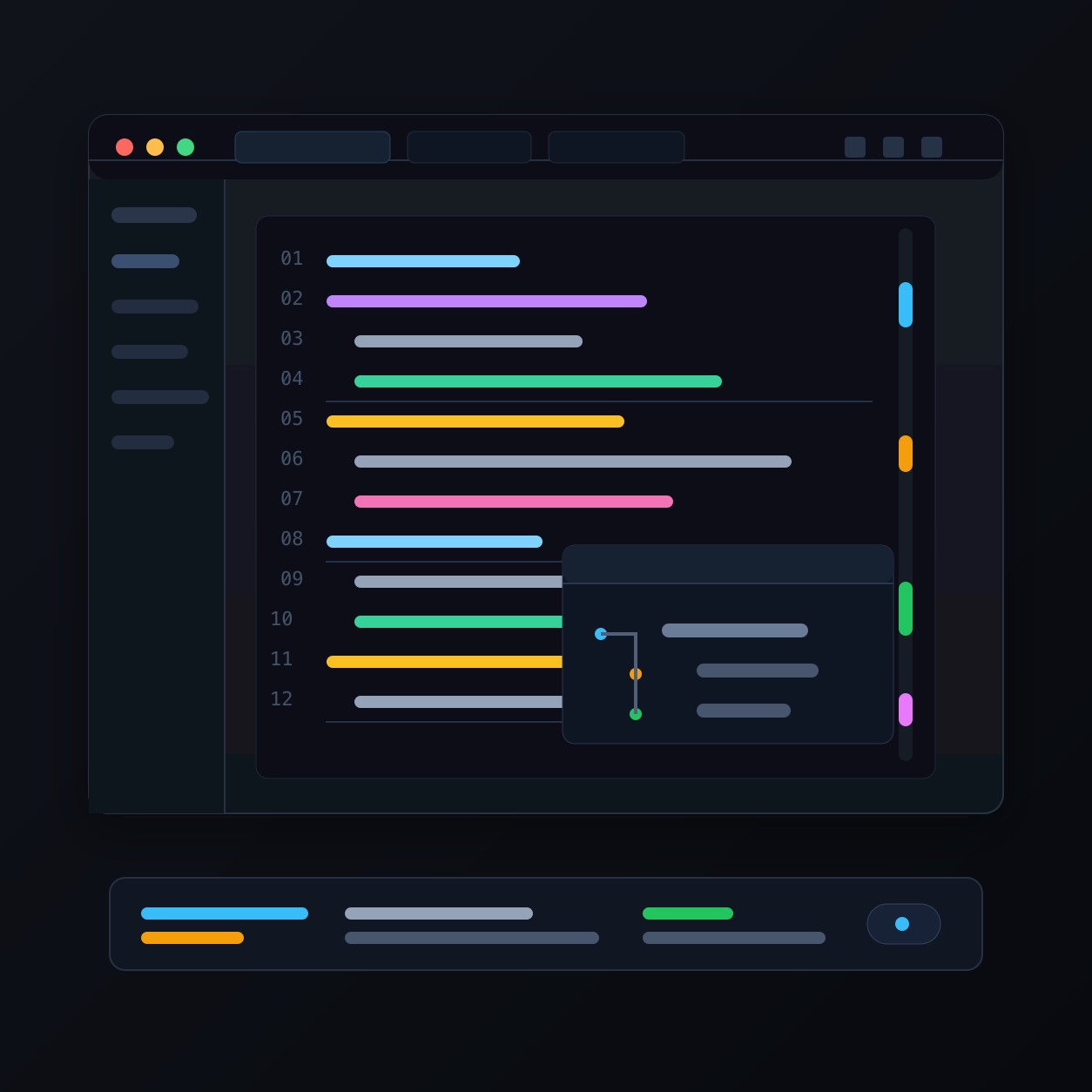
- Highlights stripe showing usages of the symbol under the caret in the current file.
- In-editor usage highlights for the symbol under the caret.
- Call Hierarchy dock for navigating callers of the function under the caret.
- Function boundary guides for easier navigation in indentation-based GDScript files.
- Lightweight Extract Local Variable, Rename Symbol, and Inline Variable helpers.
Default shortcuts:
Editor:
- Expand Selection: Command+D / Meta+D
- Shrink Selection: Command+Shift+D / Meta+Shift+D
- Extract Local Variable: Command+Control+V / Meta+Ctrl+V
- Rename Symbol: Command+Control+R / Meta+Ctrl+R
- Inline Variable: Command+Control+N / Meta+Ctrl+N
Call Hierarchy:
- Show Call Hierarchy: Ctrl+Alt+H
- Select Call Site: arrow keys
- Go to Selected Call Hierarchy Method: F4 or double-click
- Return Focus to Script Editor: Esc
Known limitations:
Smart Editor is not a full semantic refactoring engine. Refactoring helpers are intentionally lightweight and editor-focused. Rename Symbol and Call Hierarchy depend on Godot's code analysis service. Undo after a rename with multiple changed locations does not revert the whole rename at once in open files, and it cannot undo changes made to closed files. Highlights focus on the currently open script, not a project-wide usage view.
View files Download Submit an issue Recent Edits